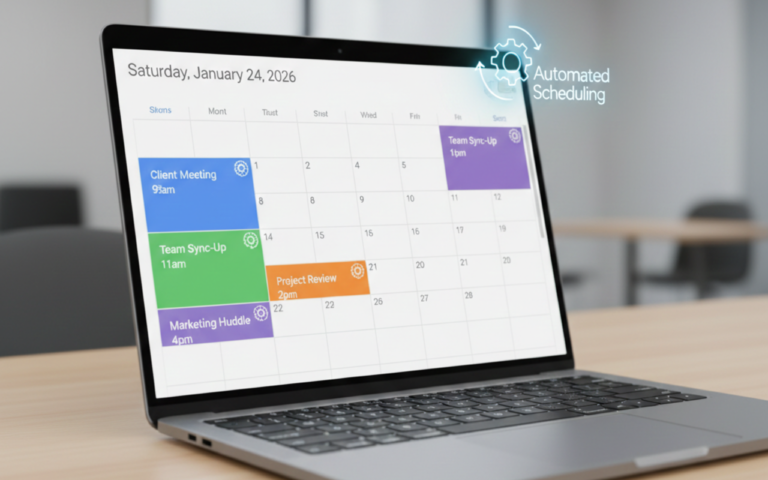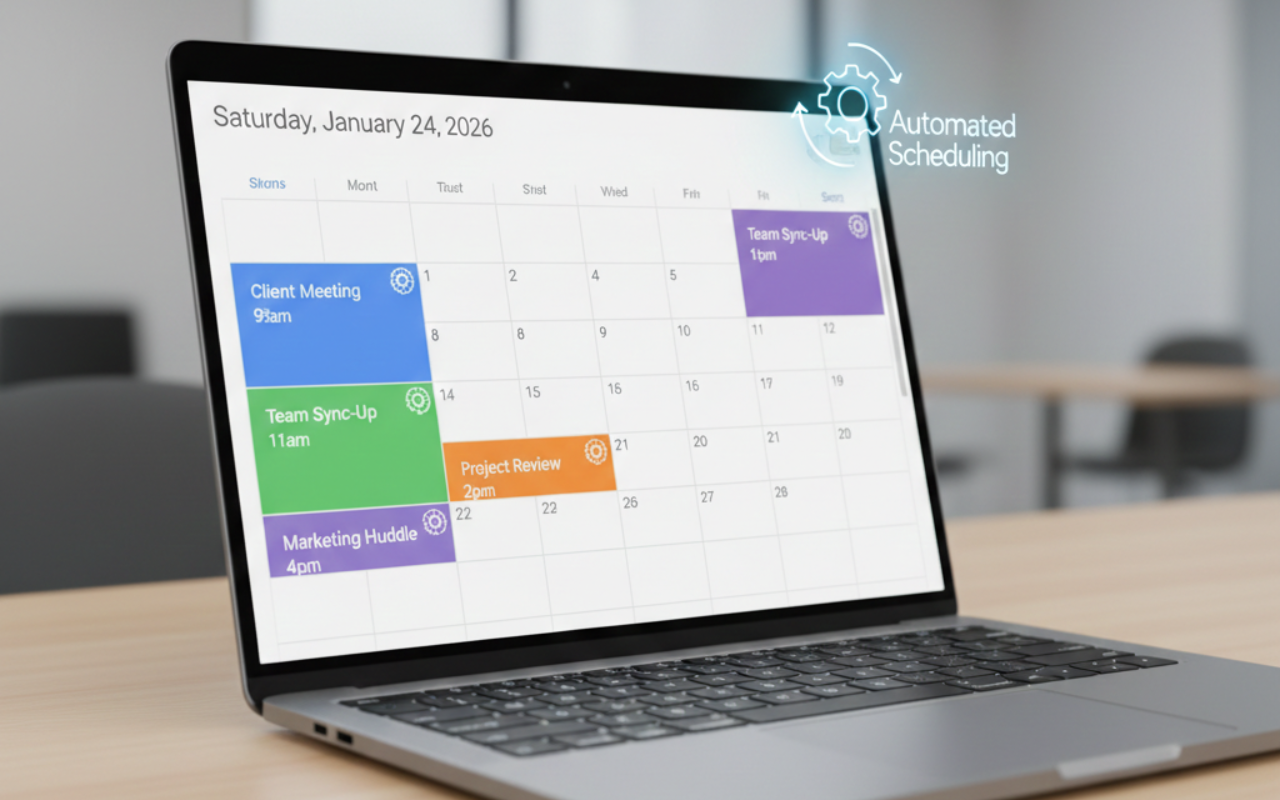
The “Busy” Trap Is Killing Your Growth
Running a business in 2026 is more complex than ever. From team management to marketing campaigns, client work, and tech updates, business owners are juggling a constant flood of tasks. Many entrepreneurs fall into the “busy trap”—thinking that long hours equal productivity.
But hours spent manually sending emails, scheduling meetings, or transferring data from one app to another are hours lost. At Atlas Unchained, our philosophy is simple: Done is better than discussed. But done doesn’t mean spending three hours on a task a $20/month tool could handle in seconds.
Time is the most valuable resource your business has, and those who master time-saving technologies for business 2026—from automation software to productivity tools—are the ones who scale faster, work smarter, and reclaim hours that can be reinvested into growth.
Why Time-Saving Technologies Are Non-Negotiable in 2026
As businesses grow, inefficiencies compound. Manual processes become bottlenecks. Teams spend more time coordinating than executing. This is where technology comes in:
- Boost Productivity: Automate repetitive tasks so your team can focus on strategy, innovation, and client relationships.
- Reduce Human Error: Automated workflows reduce mistakes in data entry, scheduling, and financial management.
- Enhance Collaboration: Centralized tools make teamwork seamless, even for remote or hybrid teams.
- Scale Without Adding Headcount: Automations let small teams achieve what used to require multiple hires.
In short, adopting the right business automation software is no longer optional—it’s the difference between scaling efficiently or hitting a ceiling.
1. Workflow Automation: The Glue of Your Business
Solution Spotlight: Make.com (formerly Integromat)
Workflow automation is the backbone of efficiency. While Zapier is widely known, Make.com has emerged as the gold standard for businesses needing complex automation without hiring developers.
Why it saves time:
- No-Code Complexity: Build logic-based workflows that automate multi-step processes across apps.
- Error Handling: Automatically retries failed tasks and sends specific alerts.
- Integration Depth: Connect hundreds of apps, including Google Workspace, Shopify, Slack, and QuickBooks.
Real-World Example:
A small marketing agency integrated Make.com to sync leads from their landing pages directly into their CRM, automatically assign them to account managers, and send a personalized email sequence. What used to take hours daily now happens in minutes, freeing up 20+ hours per week.
Actionable Takeaway:
Map out your repetitive tasks this week. If it involves moving data, sending follow-ups, or updating records, create a Make.com scenario. The return on investment is often visible within days.
2. The All-in-One Client Engine
Solution Spotlight: GoHighLevel
Service-based businesses face a unique challenge: juggling CRMs, marketing tools, funnel builders, and communication apps. GoHighLevel consolidates these tools into one unified dashboard, saving hours per team member.
Key Features for 2026:
- Unified Inbox: Manage SMS, email, WhatsApp, and social DMs in a single platform.
- Automated Appointment Setting: Stop wasting time with back-and-forth scheduling.
- Pipeline Automation: Prospects move through your funnel automatically, reducing manual work.
Case Study:
A boutique consulting firm in Orange County used GoHighLevel to combine client onboarding, follow-ups, and invoicing. Within three months, their team reduced administrative work by 30%, allowing consultants to focus on high-value projects.
Actionable Takeaway:
Audit your client communication workflow. Identify where multiple platforms create friction, and consolidate them in GoHighLevel to save hours weekly.
3. Project Management Without the Bloat
Solution Spotlight: ClickUp 3.0
Many teams misuse project management tools as glorified to-do lists. ClickUp 3.0 transforms project management into a fully automated productivity hub.
Time-Saving Features:
- Custom Task Types: Tailor tasks to fit specific workflows.
- Automated Status Changes: Tasks move automatically to the next stage, notify stakeholders, and create dependent tasks.
- Integrated Time Tracking: Track time spent per project without juggling separate apps.
Example:
When a design task is completed, ClickUp automatically updates the client, assigns the next internal review, and schedules a follow-up meeting—without manual intervention.
Actionable Takeaway:
Replace manual task updates with ClickUp automations and integrate with Make.com for full workflow optimization.
4. AI-Powered Assistance: Beyond the Buzzword
AI isn’t futuristic—it’s practical. In 2026, AI tools assist with content creation, customer support, and data analysis.
Key Tools:
- ChatGPT or Jasper AI: Draft reports, email sequences, and social media posts.
- Otter.ai / Fireflies.ai: Transcribe and summarize meetings automatically.
- Grammarly Business: Ensure polished, professional communication at scale.
Example:
A small e-commerce business used AI to draft marketing emails and product descriptions. This reduced content creation time by 50%, allowing the team to focus on strategy and customer engagement.
Actionable Takeaway:
Identify repetitive cognitive tasks and apply AI tools to amplify productivity.
5. Centralized Document Management
Solution Spotlight: Google Workspace + Notion
Scattered documents kill productivity. Using Notion for project knowledge bases and Google Drive for file storage ensures everything is accessible, searchable, and shareable.
Benefits:
- Real-time collaboration
- Linked databases for cross-functional tracking
- Version control to prevent duplicate efforts
Example:
A creative agency moved all client briefs and project documents into Notion linked with Google Drive. Team members now spend zero time searching for files.
Actionable Takeaway:
Audit where your team loses time locating documents, then implement standardized naming conventions and centralized databases.
6. Automated Financial Management
Solution Spotlight: QuickBooks Online + Gusto
Finance is a major time sink. Automating accounting and payroll ensures accuracy and efficiency.
Features:
- QuickBooks Online automates invoicing, reconciliations, and tax tracking.
- Gusto handles payroll, benefits, and compliance seamlessly.
Case Study:
A mid-sized firm reduced payroll and accounting overhead by 25 hours a month after integrating QuickBooks and Gusto, allowing their CFO to focus on growth strategies instead of manual entry.
Actionable Takeaway:
Automate recurring invoices, expense tracking, and payroll. Your team will reclaim hours every week.
7. Communication and Collaboration Tools
Tools like Slack, Microsoft Teams, and Zoom remain critical, but integration is the differentiator.
Tip:
Connect your communication apps to your project management and automation software. For example, trigger ClickUp tasks from Slack messages or automate notifications for client approvals.https://slack.com/
Actionable Takeaway:
Audit communication channels and eliminate redundant tools. Streamline collaboration to cut down wasted hours.
8. Measuring and Optimizing Productivity
Solution Spotlight: RescueTime + Notion Dashboards
Tools only matter if you measure effectiveness. Track where time is spent and optimize continuously.
- RescueTime: Provides insights into time spent on apps and websites.
- Notion Dashboards: Visualize project progress, productivity metrics, and team efficiency.
Actionable Takeaway:
Run a 30-day productivity audit to identify bottlenecks and workflow gaps. Apply automation to reduce wasted time.
9. Scaling Small Businesses with Tech
The beauty of time-saving technologies for business 2026 is that they allow small teams to achieve what once required dozens of employees.
Strategies:
- Automate client acquisition: Lead capture, nurturing, and follow-up all in one platform.
- Outsource repetitive tasks to AI: Content, scheduling, and data analysis.
- Focus human resources on revenue-driving work: Free up your team to close deals, innovate, and serve clients better.
Example:
A boutique marketing agency grew from 5 to 15 clients in six months without hiring extra staff by automating lead management, client onboarding, and reporting.
Ready to Unchain Your Business?
Stop discussing growth and start implementing the systems that make it inevitable. At Atlas Unchained, we don’t just give you a list of tools—we engineer the workflow ecosystem that drives productivity, efficiency, and scalability.
Whether your goal is to reclaim 10+ hours weekly, streamline workflows, or implement time-saving technologies for business in 2026, the right approach begins with a workflow audit and intelligent automation strategy.
Book a Strategy Call with Trevor Kaak Today – Let’s evaluate your processes, uncover hidden inefficiencies, and optimize your business for 2026.
For additional insights on business automation software and productivity tools, visit our Atlas Unchained blog or explore case studies demonstrating up to 40% efficiency gains with modern technology stacks.